

Vendor dispatch automation is the process of automatically selecting, scheduling, briefing, and tracking maintenance vendors across property portfolios to reduce manual coordination and improve completion rates. Property managers and maintenance coordinators who rely on phone calls, spreadsheets, and manual follow-ups are operating at a structural disadvantage. Automated vendor management systems handle the full dispatch cycle, from work order creation to invoice reconciliation, without requiring a coordinator to touch every step. Teams that adopt dispatch process automation typically see a 25–35% reduction in total vendor spend within 12 months. That figure is not a projection. It reflects what happens when coordination overhead, invoice disputes, and scheduling gaps are removed from the equation.
What are the core components of vendor dispatch automation?
Effective vendor dispatch automation is not a single feature. It is an operational workflow that connects asset data, vendor capabilities, scheduling logic, and financial controls into one coordinated system. Understanding each component helps property teams configure automation that actually holds up under daily volume.
The six core components are:
- Asset-based dispatch triggers. Work orders are generated automatically when equipment condition data, inspection results, or tenant requests meet predefined thresholds. This removes the manual step of a coordinator deciding when to act.
- Priority-ranked work queues. Jobs are sorted by urgency, asset criticality, and SLA deadlines before any vendor is contacted. Coordinators see a ranked list rather than an unfiltered inbox.
- Vendor roster management. The system maintains trade specializations, service territories, capacity limits, and compliance records for every vendor. Matching is done against this data, not against memory or habit.
- Scoped digital work orders. Each dispatched job includes asset history, approved scope, and rate ceilings. Vendors receive a complete brief, which eliminates back-and-forth clarification calls.
- Real-time tracking and SLA monitoring. Job status updates automatically as vendors check in, complete milestones, or miss deadlines. Escalation rules fire when SLA thresholds are breached.
- Automated invoice matching. Invoices are compared against the approved work order scope and rate ceiling before payment is processed. Invoice disputes drop by up to 70% when this matching is automated. That reduction directly lowers the administrative hours your team spends resolving billing conflicts.
Pro Tip: Configure your rate ceilings at the trade level, not the vendor level. This gives you consistent cost controls even when you rotate vendors within the same specialty.
The table below compares what each component replaces in a manual workflow:
| Automation component | Manual equivalent replaced |
|---|---|
| Asset-based dispatch triggers | Coordinator reviews inspection notes and decides to act |
| Priority-ranked work queues | Coordinator manually sorts requests by perceived urgency |
| Vendor roster management | Spreadsheet or memory-based vendor selection |
| Scoped digital work orders | Phone briefing or emailed PDF scope |
| SLA monitoring with escalation | Coordinator checks job status by calling vendor |
| Automated invoice matching | Coordinator compares invoice to notes manually |
How does vendor dispatch automation compare to manual dispatch?
Manual dispatch is primarily a data complexity problem, not a labor problem. A coordinator managing 300 units cannot simultaneously track vendor availability, license expiration dates, SLA countdowns, and open invoice disputes. The volume exceeds human processing capacity, and errors compound quickly.

The practical limitations of manual dispatch show up in predictable ways. Coordinators spend significant time on phone-tag with vendors to confirm availability. Spreadsheet-based vendor records go stale, exposing the property company to liability when an uninsured vendor completes work. SLA breaches go unnoticed until a tenant complaint escalates. Invoice disputes require a coordinator to reconstruct the original scope from email threads and call notes.
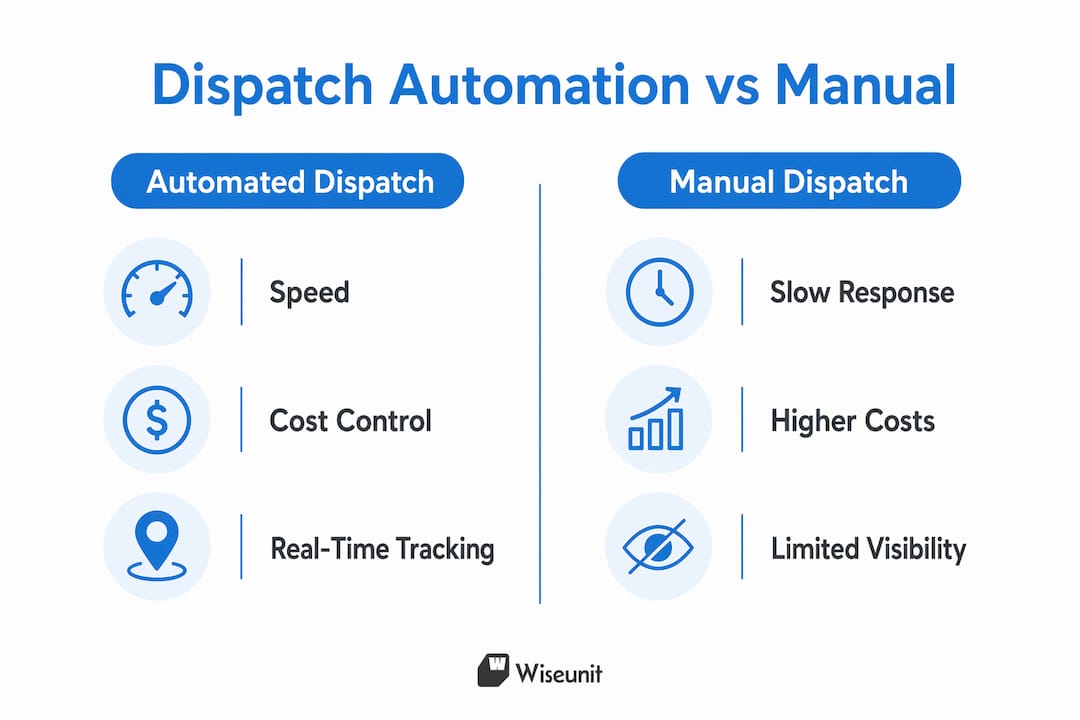
Automated systems address each of these failure points directly. Vendor onboarding shrinks from weeks to days when compliance documents are collected and verified digitally. Dispatch decisions are made against live data rather than static records. One AI-driven system improved on-time arrival rates from 61% to 89% within 90 days. A 28-point gain in on-time performance at that scale translates directly to fewer tenant complaints and fewer lease non-renewals tied to maintenance dissatisfaction.
The operational fatigue factor is also significant. Automated dispatch systems re-optimize work queues every 60 to 90 seconds based on technician locations, traffic conditions, and job completions. No coordinator can match that recalculation frequency. The result is that manual dispatch teams are always working from a schedule that is already partially out of date.
For a detailed comparison of AI-powered versus manual vendor management tools built specifically for property portfolios, the differences in feature depth become even more apparent at scale.
What challenges should teams address when implementing automated dispatch?
The most common implementation mistake is attempting to automate the entire vendor dispatch lifecycle at once. Phased automation is the recommended approach, starting with the 80% of tasks that are routine and repetitive before tackling edge cases. Trying to automate everything immediately creates configuration complexity that slows adoption and generates exceptions the system is not ready to handle.
Follow these steps to build a solid implementation foundation:
- Audit and clean your vendor and asset data first. Poor source data degrades automated dispatch outcomes quickly because automation propagates errors at scale. Verify that every vendor record includes current contact details, trade classifications, service territories, and compliance documents before activating any automation rules.
- Start with your highest-volume, lowest-complexity work orders. Routine tasks like HVAC filter changes, appliance repairs, and plumbing calls are ideal first candidates. These jobs have predictable scopes and established vendor relationships, making them easy to automate without exceptions.
- Configure compliance monitoring with advance alerts. Automated alerts that notify your team 60 days before a vendor's insurance or license expires prevent the liability exposure that comes from dispatching non-compliant vendors. Prioritizing speed over compliance in vendor automation is a documented path to system failure.
- Set escalation rules and SLA thresholds before go-live. Define what happens when a vendor does not confirm within two hours, misses a check-in, or fails to close a job by the deadline. These rules need to be configured in advance, not improvised after a breach occurs.
- Keep humans in the loop for exceptions and complex decisions. Human-in-the-loop systems produce better outcomes for pricing negotiations, tenant-sensitive situations, and compliance edge cases. Automation handles the volume; coordinators handle the judgment calls.
- Train coordinators on monitoring, not managing. Post-deployment, the coordinator role shifts from dispatching jobs to reviewing exception queues, monitoring SLA dashboards, and evaluating vendor performance data. That shift requires deliberate training.
Pro Tip: Run your first 30 days of automated dispatch in parallel with your existing manual process. This lets you catch configuration gaps before they affect tenants or vendors.
For a structured look at how these steps fit into a broader maintenance workflow, the sequencing of each phase matters as much as the individual steps.
How does AI-driven automation transform vendor management at scale?
AI adds a layer of real-time optimization that rule-based supplier dispatch software cannot replicate. Where a standard automated system follows fixed logic, an AI-driven system adjusts continuously based on incoming data from multiple sources.
The specific capabilities that separate AI dispatch from basic automation include:
- Skill-to-asset matching. AI engines cross-reference the specific equipment involved, the required trade certification, and the vendor's documented history with that asset type before making a dispatch recommendation. This reduces callbacks caused by mismatched vendor skills.
- Real-time schedule re-optimization. AI systems incorporate telematics data, traffic conditions, and live job completion updates to recalculate the most efficient dispatch sequence continuously. Technician drive time drops by 18 to 28%, adding 40 to 90 minutes of productive work per technician per day.
- Emergency job insertion. When an urgent request arrives, the AI calculates the least disruptive way to insert it into the active schedule rather than simply adding it to the end of the queue.
- Vendor performance tracking. Every completed job generates data on response time, completion rate, invoice accuracy, and tenant satisfaction score. Over time, this data surfaces which vendors consistently perform and which ones inflate costs or miss SLAs.
- Automated tenant communication. ETA updates, job confirmation messages, and completion notifications go out automatically, reducing inbound calls to the management office.
"Effective dispatch automation functions as an operational workflow integrating multiple sources, rather than a single feature, empowering coordinators to focus on high-impact decisions." — Automated Dispatching Insights
AI-driven vendor coordination strategies are particularly effective in multifamily portfolios where the volume of concurrent jobs makes manual optimization impossible. At 500 or more units, the gap between AI-optimized dispatch and manual dispatch becomes measurable in both cost and tenant retention.
Key takeaways
Vendor dispatch automation delivers measurable gains in cost, compliance, and on-time performance when implemented with clean data, phased rollout, and human oversight for exceptions.
| Point | Details |
|---|---|
| Start with clean data | Audit vendor records and asset data before activating any automation rules. |
| Phase your rollout | Automate routine, high-volume tasks first; tackle complex exceptions after the core system is stable. |
| Compliance monitoring is non-negotiable | Configure 60-day advance alerts for vendor license and insurance expiration to avoid liability. |
| AI adds continuous optimization | AI dispatch re-optimizes schedules every 60 to 90 seconds, a frequency no manual process can match. |
| Invoice automation cuts disputes | Automated invoice matching against approved work orders reduces disputes by up to 70%. |
Why I think most teams underestimate the data problem
After working closely with property management teams across multifamily and single-family portfolios, the pattern I see most often is this: teams invest in supplier dispatch software and then wonder why the results are underwhelming. The answer is almost always the same. The vendor data going into the system is incomplete, outdated, or inconsistently formatted.
Automation does not fix bad data. It amplifies it. A system dispatching jobs against stale vendor records will route work to vendors who have moved, lapsed on insurance, or no longer service that trade. The errors arrive faster than they did manually, and they are harder to trace because the system looks like it is working.
The teams that get the most out of automated vendor management treat data quality as an ongoing operational discipline, not a one-time setup task. They assign someone to review vendor records monthly, flag compliance gaps proactively, and update asset histories after every completed job. That discipline is what separates a dispatch system that saves 30% on vendor spend from one that creates new coordination problems.
The other thing I would push back on is the idea that automation replaces the coordinator role. The best implementations I have seen keep coordinators deeply involved, but focused on exceptions, vendor relationships, and performance reviews rather than scheduling calls. That is a better use of their skills, and it produces better outcomes for tenants. The human-in-the-loop model is not a compromise. It is the design that actually works.
— Laur
How Wiseunit simplifies vendor dispatch for property teams
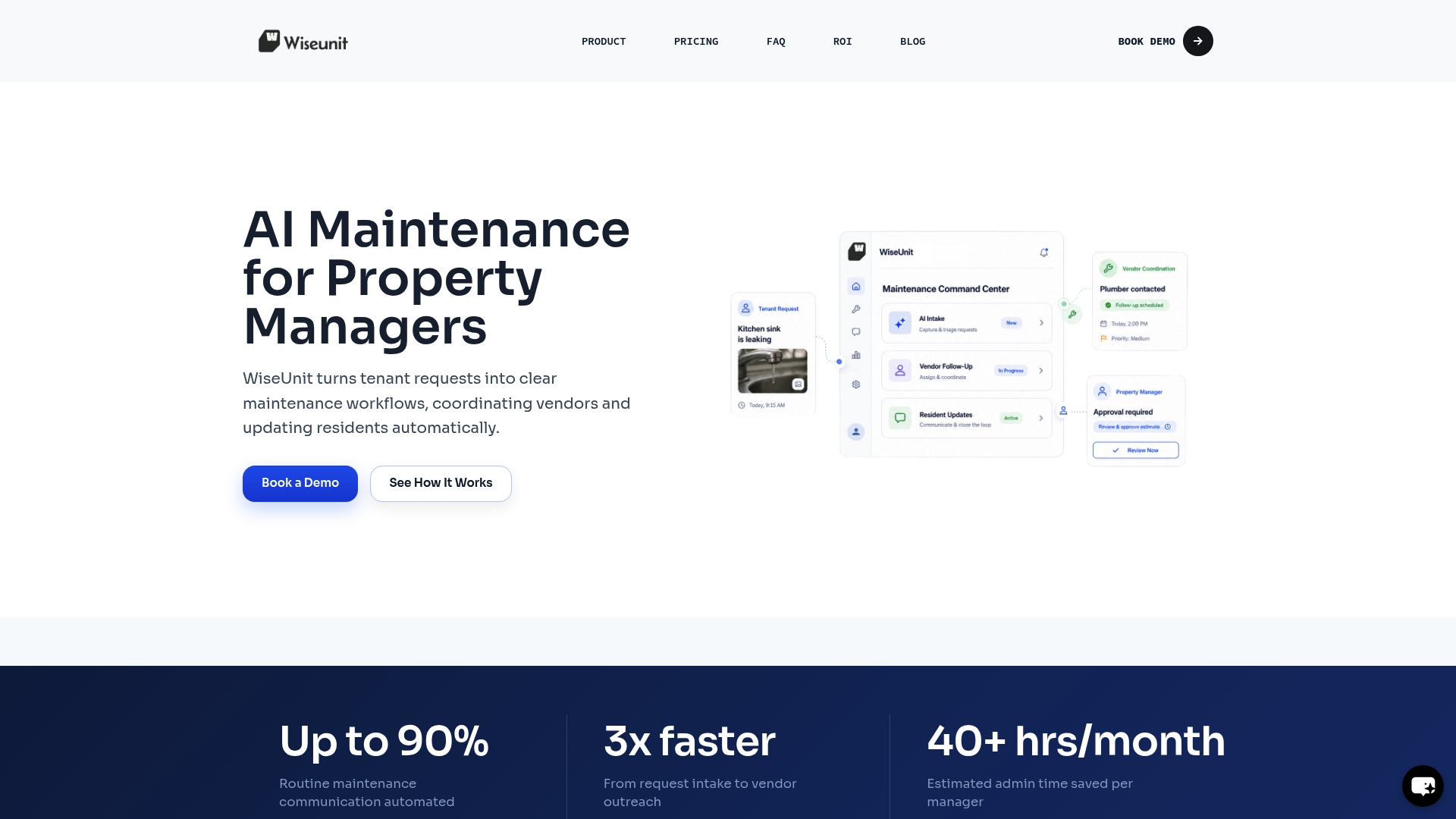
Wiseunit is built as a maintenance execution layer for property management companies managing multifamily, single-family, and HOA portfolios. Rather than tracking tickets, Wiseunit executes the full workflow: tenant intake via call, SMS, or online form; issue triage; vendor matching and scheduling; real-time SLA monitoring; and status updates pushed directly into AppFolio, Buildium, or Yardi. Compliance verification for vendor insurance and licensing runs automatically, with alerts before expiration. Property managers get a centralized dashboard across their entire portfolio without adding headcount. If you want to see what the time and cost savings look like for your specific unit count, the Wiseunit ROI calculator gives you a concrete estimate in minutes. To explore the full platform, visit Wiseunit AI.
FAQ
What is vendor dispatch automation in property management?
Vendor dispatch automation is the use of software to automatically select, schedule, brief, and track maintenance vendors based on asset data, vendor capabilities, and real-time availability. It replaces manual coordination tasks like phone-tag, spreadsheet tracking, and manual invoice review.
How much can automated dispatch reduce vendor costs?
Property teams typically see a 25–35% reduction in total vendor spend within 12 months of adopting structured dispatch controls. The savings come from reduced invoice disputes, better SLA enforcement, and elimination of redundant coordination work.
What data do I need before implementing dispatch automation?
You need current vendor contact details, trade classifications, service territories, insurance and license records, and asset histories for each property. Poor or outdated data degrades automated dispatch outcomes because errors propagate faster through automated systems than manual ones.
Should I automate the entire vendor dispatch process at once?
No. Best practice is to automate routine tasks first, covering roughly 80% of repetitive work orders, before expanding to complex or exception-heavy scenarios. Phased rollout reduces configuration risk and speeds up coordinator adoption.
How does AI dispatch differ from standard automated dispatch?
Standard automated dispatch follows fixed rules. AI dispatch continuously re-optimizes schedules using live data from technician locations, traffic, and job completions, and matches vendors to jobs based on skill, asset type, and performance history rather than availability alone.
Recommended
- How Property Managers Automate Maintenance with AppFolio, Buildium, and Yardi
- Property Management Maintenance Workflow: Step-by-Step Process to Reduce Workload (Toronto, Dallas, Phoenix)
- AI Maintenance Coordination Software for Property Managers | WiseUnit AI
- Property Manager Time Saving Systems That Actually Work