

Maintenance coordination software is a centralized platform that manages every aspect of property maintenance, from work order creation and vendor dispatch to tenant communication and compliance tracking. Known formally as a Computerized Maintenance Management System (CMMS), it replaces the fragmented combination of spreadsheets, email chains, and phone calls that most property teams still rely on today. Platforms like Oxmaint, FacilityBot, RationalGo, and Breasy each demonstrate how purpose-built tools can automate the full maintenance lifecycle. For property managers handling dozens or hundreds of units, understanding what this software does and how to evaluate it is the difference between controlled operations and constant firefighting.
What does maintenance coordination software actually do?
Maintenance coordination software centralizes all work orders, preventive maintenance schedules, asset records, compliance documentation, and cost tracking in one system of record. That definition matters because most property teams underestimate the scope. This is not a ticketing tool. It is an operational platform that connects every maintenance event to a specific asset, a specific vendor, a specific tenant, and a specific cost.
The core modules you should expect from any credible CMMS include:
- Work order management: Full lifecycle tracking from request intake through completion, with status updates, photo attachments, and audit trails.
- Preventive maintenance scheduling: Automated work order generation based on time intervals or asset usage, so HVAC filters, fire suppression systems, and elevator inspections never fall through the cracks.
- Asset register and cost tracking: Maintenance cost tracking accumulates labor, material, and contract costs against each asset, supporting repair-versus-replace decisions and capital planning.
- Vendor dispatch: Availability checking, skill matching, and performance tracking so the right contractor gets the right job at the right time.
- Tenant request portals: Self-service submission channels with automated status notifications at every stage of the job.
- SLA management: Monitoring of open work orders to surface approaching breaches and escalate automatically, keeping you compliant with lease and contract commitments.
Pro Tip: Before evaluating any platform, map your current maintenance workflow on paper. Identify every handoff point where work stalls or communication breaks down. The software you choose should address those specific failure points, not just the ones featured in a sales demo.
A facility CMMS does more than log tickets. It links each work order to the asset it affects, generates preventive maintenance tasks automatically, captures photo evidence, and maintains compliance documentation in one auditable location. That asset linkage is what separates a true CMMS from a basic help desk tool.

How does this software improve daily operations?
The operational benefits of maintenance coordination software are direct and measurable. Here is how the improvements stack up across the most common pain points property managers face:
-
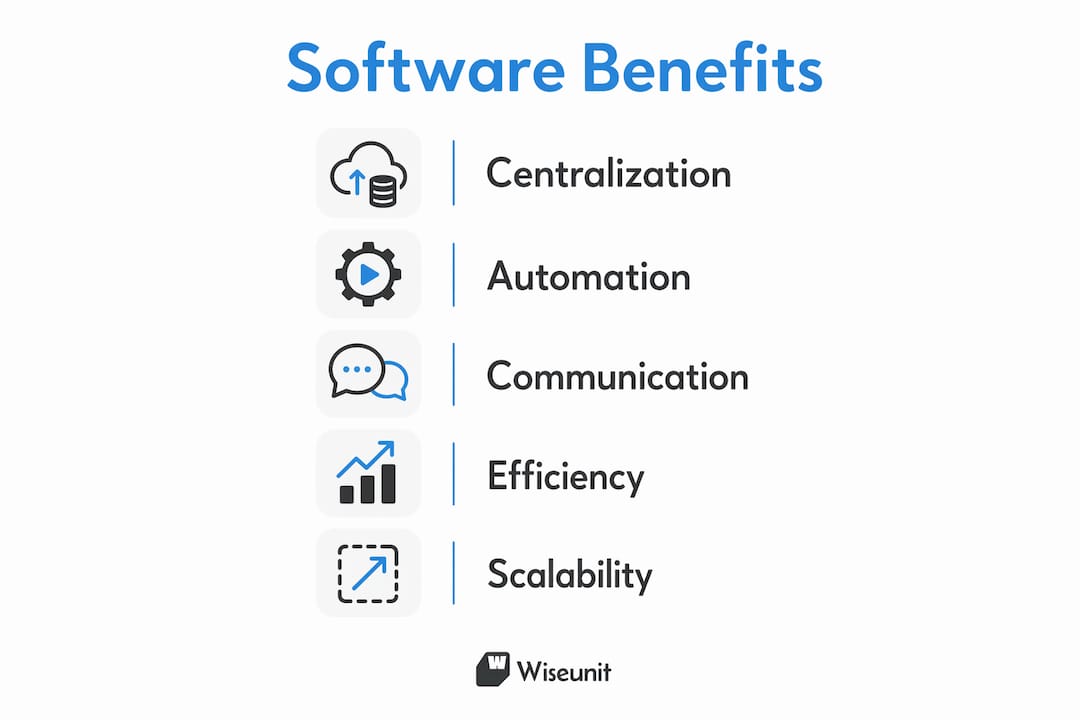
Reduced manual coordination. Manual maintenance tasks including intake logging, assignment, status communication, and reporting consume significant coordinator time every day. Automating these tasks frees your team to focus on exceptions rather than routine handoffs.
-
Consistent visibility across properties. Multi-property portfolios managed without a central platform produce inconsistent data. A centralized dashboard lets you see open work orders, overdue tasks, and vendor performance across every property in one view.
-
Faster response through SLA tracking. SLA management modules monitor open work orders and escalate automatically when resolution deadlines approach. This matters most for emergency repairs and lease-mandated response windows.
-
Fewer tenant complaints. Automated tenant notifications deliver status updates from scheduling through job completion, including photos and invoices on the same day. Tenants who receive proactive updates make fewer follow-up calls, which directly reduces coordinator workload.
-
Simplified compliance audits. Centralized maintenance history and compliance documentation means your team is not scrambling to reconstruct records when an inspection or legal review arrives.
-
Better budget control. Cost analytics tied to individual assets give you the data to justify capital expenditure requests and identify properties where deferred maintenance is accumulating risk.
The shift from inbox-and-spreadsheet management to a centralized system of record allows property teams to move beyond reactive coordination into genuine analysis and planning. That is not a minor upgrade. It changes how decisions get made.
For multifamily portfolios specifically, the volume of requests makes manual coordination unsustainable past a certain scale. A team managing 300 units without software is spending hours each week on tasks that a properly configured platform handles automatically. You can read more about multifamily maintenance operations and how teams are restructuring workflows to handle growth without adding headcount.
How to choose the right software for your portfolio
Selecting maintenance coordination software requires matching platform capabilities to your specific portfolio type, team size, and operational priorities. The comparison below covers the criteria that matter most for property managers in 2026.
| Evaluation Criteria | What to look for |
|---|---|
| Portfolio compatibility | Does the platform support your mix of multifamily, single-family, and HOA properties? |
| Tenant communication | Does it offer SMS, email, and portal notifications without manual triggers? |
| Vendor management | Can it check vendor availability, route by skill, and track performance scores? |
| SLA and escalation | Does it surface approaching breaches and escalate automatically? |
| Integration | Does it connect with AppFolio, Buildium, or Yardi without manual data entry? |
| Reporting and compliance | Can it generate audit-ready maintenance histories and cost reports? |
| Pricing model | Is pricing per unit, per user, or flat rate, and does it scale with your portfolio? |
Multi-property maintenance systems support SLA tracking with response and resolution time metrics, priority routing with emergency escalation, vendor dispatch with availability checking, and tenant communication portals. Not every platform delivers all of these equally well, so weight the criteria against your actual failure points.
Mobile capability deserves specific attention. Vendors and field staff who cannot update work orders from a phone create data gaps that undermine the entire system. Any platform you evaluate should have a mobile app that works offline and syncs when connectivity returns.
Pro Tip: Request a 30-day pilot with real data from one property before committing to a full rollout. A platform that looks clean in a demo can reveal friction points quickly when your actual vendors, tenants, and work order volumes are involved.
Pricing models vary significantly. Per-unit pricing favors smaller portfolios. Per-user pricing can become expensive as your team grows. Flat-rate enterprise pricing makes sense once you cross roughly 500 units. Always calculate total cost of ownership including onboarding, training, and integration fees, not just the monthly subscription rate. For a deeper look at how property managers reduce maintenance costs through technology, the tradeoffs between build-versus-buy and in-house-versus-outsourced coordination are worth reviewing.
Common implementation challenges and how to address them
Most CMMS rollouts that underperform do so for predictable reasons. Knowing them in advance lets you avoid the most common traps.
-
Poor intake data quality. Structured intake data capturing asset location, fault description, urgency level, and photos at the point of submission is what enables downstream automation. If tenants or staff submit vague requests, the system cannot route or prioritize correctly, and coordinators end up doing manual triage anyway.
-
Confusing ticketing with a full CMMS. Many teams mistake ticketing systems for a complete maintenance platform. A proper CMMS links work to assets, automates preventive schedules, and maintains auditable records. A ticketing tool does none of that.
-
Insufficient vendor onboarding. Vendors who do not use the platform create gaps in your data. Build vendor adoption into your rollout plan with clear expectations, simple mobile access, and a short training session before go-live.
-
Unrealistic SLA targets. Setting SLA windows that your current vendor network cannot meet guarantees constant escalations and erodes trust in the system. Calibrate initial targets against your actual historical response times, then tighten them as performance improves.
-
Neglecting ongoing data maintenance. Asset records, vendor profiles, and compliance checklists degrade over time if no one owns them. Assign a specific team member to review and update these records on a quarterly basis.
-
Underusing automated communications. Most platforms can send tenant updates, vendor reminders, and manager alerts automatically. Teams that leave these features unconfigured continue doing manual follow-ups and miss the primary efficiency gain the software offers.
Key takeaways
Maintenance coordination software delivers the most value when it is configured to automate tenant communication, enforce SLA compliance, and connect every work order to a specific asset and cost record.
| Point | Details |
|---|---|
| CMMS vs. ticketing | A true CMMS links work orders to assets and automates preventive schedules; a ticketing tool does not. |
| Intake data quality | Capturing asset, location, urgency, and photos at submission enables automation and prevents manual rework. |
| SLA enforcement | Automatic escalation on approaching breaches is the feature most directly tied to faster resolution times. |
| Tenant communication | Automated status notifications reduce follow-up calls and improve satisfaction without adding coordinator time. |
| Selection criteria | Evaluate integration with AppFolio, Buildium, or Yardi alongside vendor management and mobile capability. |
What I have learned from watching property teams adopt this software
The teams that get the most out of maintenance coordination software are not the ones who buy the most expensive platform. They are the ones who invest in configuration before go-live. I have seen portfolios of 800 units run on a mid-tier CMMS with excellent results because the team spent three weeks building out their asset register, configuring tenant notification templates, and onboarding every vendor before the first live request came in. I have also seen teams spend significantly more on enterprise platforms and still coordinate by text message six months later because they skipped that setup work.
The feature most teams undervalue at purchase is automated tenant communication. It sounds minor compared to dashboards and SLA tracking, but it is the one that changes daily life for coordinators the most. When tenants receive a text the moment a vendor is scheduled and another when the job closes, the volume of inbound "what's the status?" calls drops sharply. That time goes back to your team.
The other pattern worth noting: SLA tracking only works if someone reviews the escalation reports. The software surfaces the data, but a manager still needs to act on it weekly. Build that review into your operating rhythm from day one, not as an afterthought once the system is live.
For teams managing maintenance workflows at scale, the configuration investment pays back quickly. The teams that struggle are the ones who treat software as a passive record-keeper rather than an active coordination layer.
— Laur
How Wiseunit handles maintenance coordination end to end
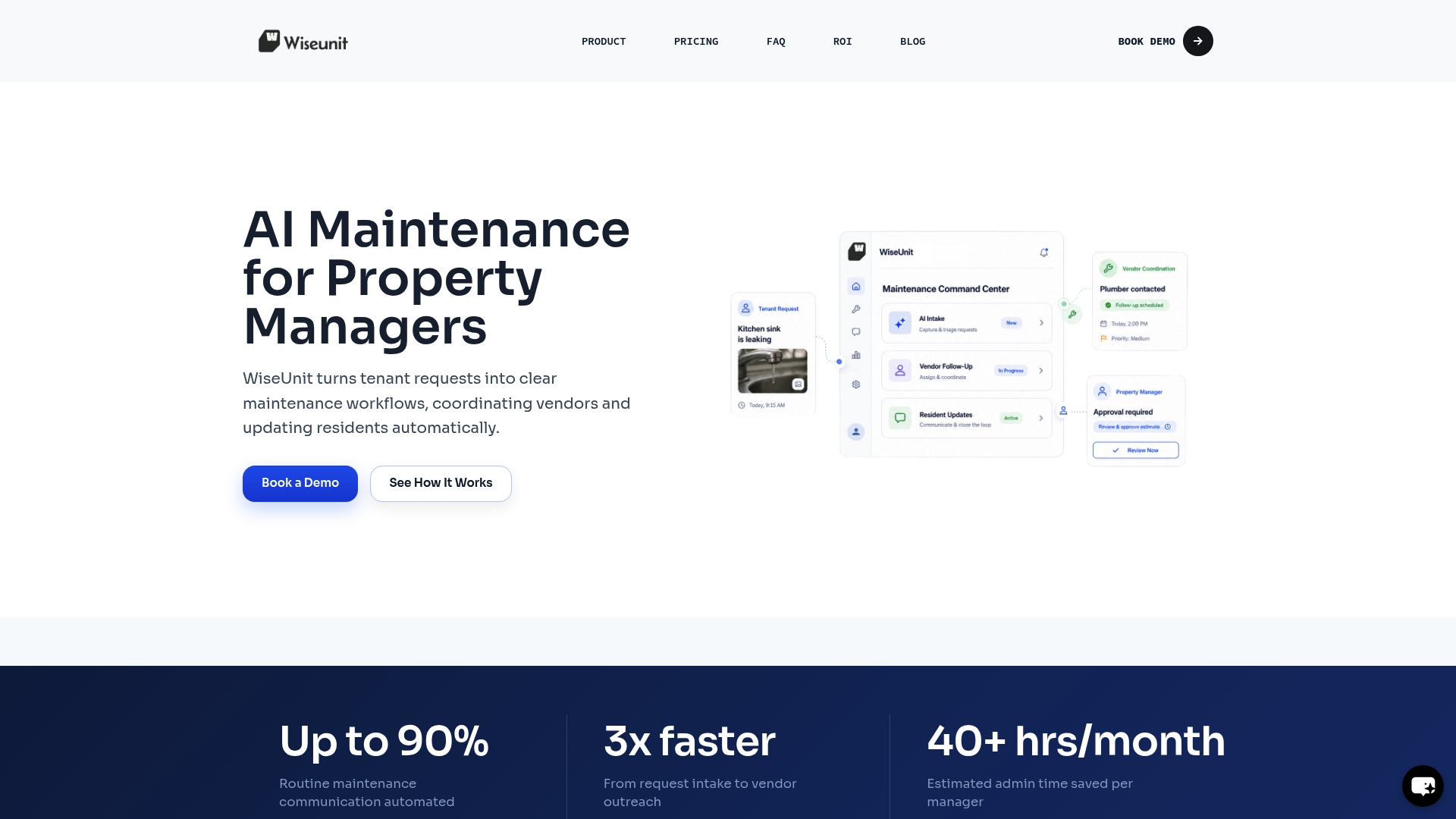
Wiseunit is built specifically for property management companies that need more than a place to log tickets. It acts as an execution layer for your entire maintenance workflow, handling tenant intake through calls, SMS, or online forms, triaging requests, coordinating vendor scheduling, and pushing status updates back into AppFolio, Buildium, or Yardi automatically. Property managers using Wiseunit reduce the manual coordination load on their teams while keeping tenants informed at every stage without adding staff.
If you are evaluating options for your portfolio, the Wiseunit AI platform gives you a clear picture of what AI-driven maintenance coordination looks like in practice. You can also use the ROI calculator to estimate the time and cost savings specific to your unit count and current coordinator workload.
FAQ
What is maintenance coordination software?
Maintenance coordination software, formally called a CMMS (Computerized Maintenance Management System), is a platform that centralizes work orders, preventive maintenance schedules, asset records, vendor dispatch, and tenant communications in one system. It replaces manual coordination methods like spreadsheets and email chains.
How is a maintenance coordinator different from a property manager?
A maintenance coordinator focuses specifically on executing the maintenance workflow, handling intake, triage, vendor scheduling, and follow-ups. A property manager oversees the broader tenant relationship, lease compliance, and financial performance of the property. In smaller teams, one person often handles both roles.
What features should I prioritize when selecting a CMMS?
Prioritize SLA tracking with automatic escalation, tenant communication automation, vendor management with availability checking, and integration with your existing property management system such as AppFolio, Buildium, or Yardi. Mobile access for vendors is also non-negotiable for real-time data accuracy.
Why do maintenance coordinators need dedicated software?
Manual coordination tasks including intake logging, assignment, status updates, and reporting consume a large share of coordinator time each day. Dedicated software automates these tasks, allowing coordinators to manage higher request volumes without proportional increases in staff.
What is the biggest implementation mistake teams make?
The most common mistake is submitting vague intake requests that lack asset location, urgency level, and photos. Structured intake data is the foundation that enables every downstream automation. Without it, coordinators end up manually triaging requests regardless of how capable the platform is.
Recommended
- How Property Managers Automate Maintenance with AppFolio, Buildium, and Yardi
- AI Maintenance Coordination Software for Property Managers | WiseUnit AI
- Property Management Maintenance Operations: How to Scale Without Hiring (Toronto, Dallas, Phoenix)
- Property Management Maintenance Workflow: Step-by-Step Process to Reduce Workload (Toronto, Dallas, Phoenix)